
WORKOUT TIMERS
Beginner HIIT workout
Six low-impact moves, 30 seconds on and 30 off, twice through: 20 minutes, with a timer ready to run
If you’re new to HIIT, start with as much rest as work and moves that keep one foot on the ground. This session has six of them, 30 seconds each with 30 seconds of rest, done twice with a minute between. With the warm-up and cool down it takes 20 minutes. Read HIIT for beginners for how to progress.
The workout
Rounds 1 to 6, in order
- Step jacks: step one foot out as your arms go up, then switch.
- Sit to stand: from a chair, stand up and sit back down with control.
- Wall push-ups: hands on a wall, body straight.
- Standing knee drives: bring one knee up toward your hands, then switch.
- Glute bridges: on your back, lift your hips and squeeze.
- Step-back lunges: hold a chair for balance if you need to.
The timer counts the moves as rounds: round 1 is step jacks and round 6 is step-back lunges. Block 2 goes through all six again.
How to progress
- Weeks 1 and 2: this session twice a week, with a rest day between.
- Then: add a third block, or try 40 seconds of work and 20 of rest.
- When it feels easy: move on to the bodyweight HIIT workout.
Run it in Cero
- Create a new simple timer: high intensity 30 seconds, low intensity 30 seconds and 12 sets, for both blocks.
- Add a 5-minute warm-up and a 3-minute cool down.
- Turn on voice cues, so you hear every change without looking.
- To name each move, build it in the advanced timer with the Work / Rest template.
YOUR NEXT SESSION STARTS HERE
Bring the effort.
We’ll keep the time.
Cero is free to download for iPhone, iPad and Apple Watch.
Download Cero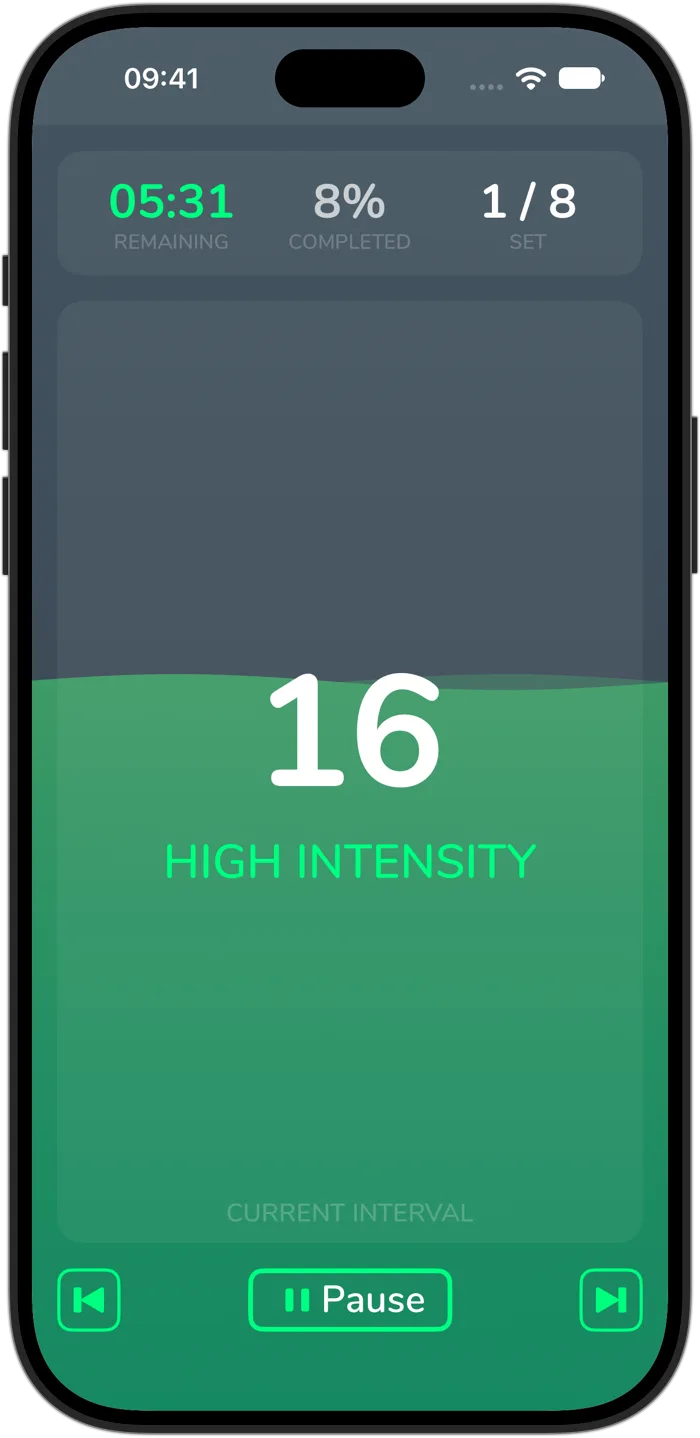
Cero is a timer, not a medical device. If you’re new to hard exercise, are pregnant or have a health condition, check with your doctor first, and stop if you feel unwell.