
WORKOUT TIMERS
Kettlebell timer
Swings, snatches and complexes on the clock: EMOM, Tabata and intervals
Kettlebell training suits a timer: the moves are explosive and repeatable, and the clock decides how long you rest. Most kettlebell sessions use one of three formats: an EMOM, work and rest intervals, or Tabata.
| Format | Example | Good for |
|---|---|---|
| EMOM | 10 to 15 swings at the top of every minute, for 10 minutes | Power and good form under fatigue |
| Intervals | 40 seconds of work, 20 of rest, 8 to 10 rounds | Conditioning |
| Tabata | 20 seconds of swings, 10 of rest, 8 rounds | A short, hard finisher |
How to set it up in Cero
- For an EMOM, create an advanced timer and add the EMOM (1–3 min) template: one interval per round.
- For intervals, use the Work / Rest template, or a simple timer with high and low intensity.
- For a complex, add one interval per move, such as Clean, Press and Squat, each with its own name and color.
- Save it, so tomorrow’s session is one tap away, on your iPhone or your Apple Watch.
Workout ideas
- Swing EMOM: 10 swings every minute for 10 minutes, then 15 every minute as you get fitter.
- Alternating minutes: odd minutes swings, even minutes goblet squats.
- Snatch intervals: 30 seconds of work, 30 of rest, switching hands each round.
- Tabata finisher: 8 rounds of 20 seconds of swings after a strength session.
YOUR NEXT SESSION STARTS HERE
Bring the effort.
We’ll keep the time.
Cero is free to download for iPhone, iPad and Apple Watch.
Download Cero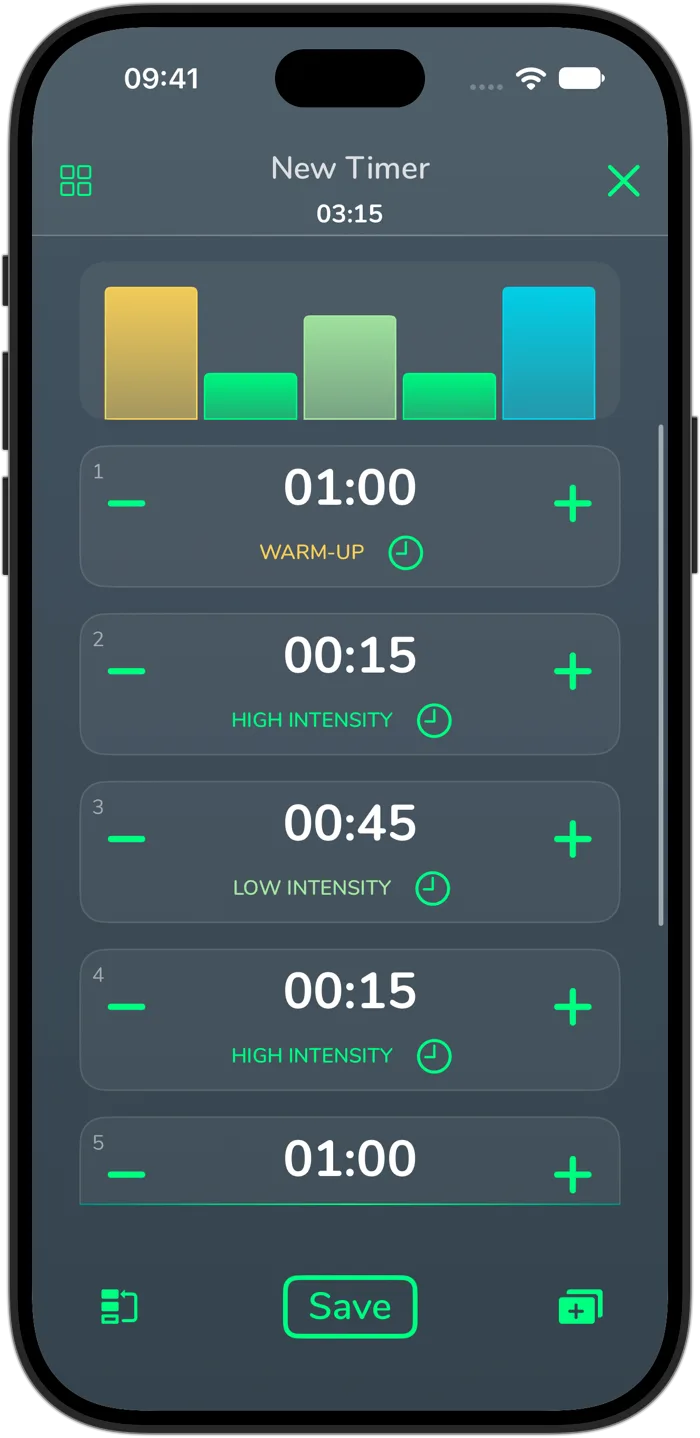
Cero is a timer, not a medical device. If you’re new to hard exercise, are pregnant or have a health condition, check with your doctor first, and stop if you feel unwell.