
FEATURES
Your timer on the Lock Screen and in the Dynamic Island
See the time left, the interval and the set without unlocking, and pause or skip from the Lock Screen
With Live Activities, a running Cero timer stays on your Lock Screen and, on iPhones with a Dynamic Island, at the top of the screen while you use other apps. Put the phone down on the bench and still see where you are.
What it shows
- The time left in the current interval, to the second.
- The interval’s name, such as High intensity, and the set you’re on.
- A progress bar for the interval.
- During Adaptive HR’s extended rest, your heart rate and the target it’s waiting for.
Pause and skip from the Lock Screen
Pause and resume, or skip ahead to the next interval, straight from the Lock Screen. Skipping the last interval finishes the workout and saves it to your history as usual.
The countdown and stopwatch too
The countdown and stopwatch show on the Lock Screen and in the Dynamic Island as well, with the time left or the time so far.
What you need
- iOS 17 or later. The Dynamic Island is on iPhones that have one; on others, the timer shows on the Lock Screen.
- For interval timers on iOS 26 and later, permission for Cero to save workouts in Apple Health: Cero runs your timer as a workout, which is what keeps the Lock Screen up to date. Whether finished workouts are saved to Health is still up to you.
- Live Activities turned on in Cero’s settings and in iOS Settings, under Cero.
YOUR NEXT SESSION STARTS HERE
Bring the effort.
We’ll keep the time.
Cero is free to download for iPhone, iPad and Apple Watch.
Download Cero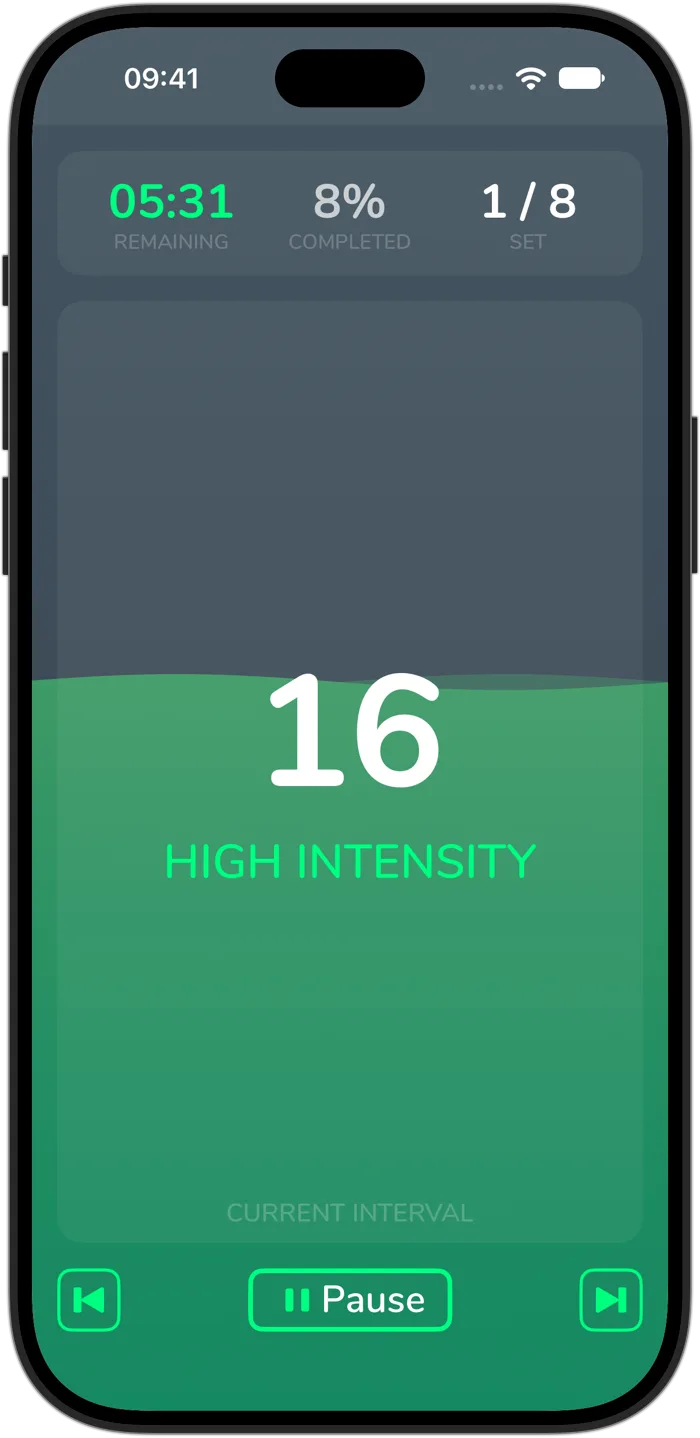
Cero is a timer, not a medical device. If you’re new to hard exercise, are pregnant or have a health condition, check with your doctor first, and stop if you feel unwell.