
FEATURES
Widgets, Live Activities and Siri
Start a timer from your Home Screen or with your voice, and follow it on the Lock Screen and in the Dynamic Island
Home Screen widgets
Start a saved or recent timer straight from your Home Screen, without opening the app.
Live Activities and the Dynamic Island
While a timer runs, follow it on the Lock Screen and in the Dynamic Island, so you can see the time left without unlocking your phone.
Siri and Shortcuts
- Start Timer: start one of your saved timers. Say “Start a timer in Cero”.
- Start Custom Timer: choose work seconds, rest seconds and sets on the spot, without saving anything.
- Pause Timer, Resume Timer and Stop Timer.
Siri and Shortcuts work on iOS 17 and later.
Share your timers
Send a timer to a friend or a whole class as a Cero file or a QR code, and review your completed sessions in your workout history.
YOUR NEXT SESSION STARTS HERE
Bring the effort.
We’ll keep the time.
Cero is free to download for iPhone, iPad and Apple Watch.
Download Cero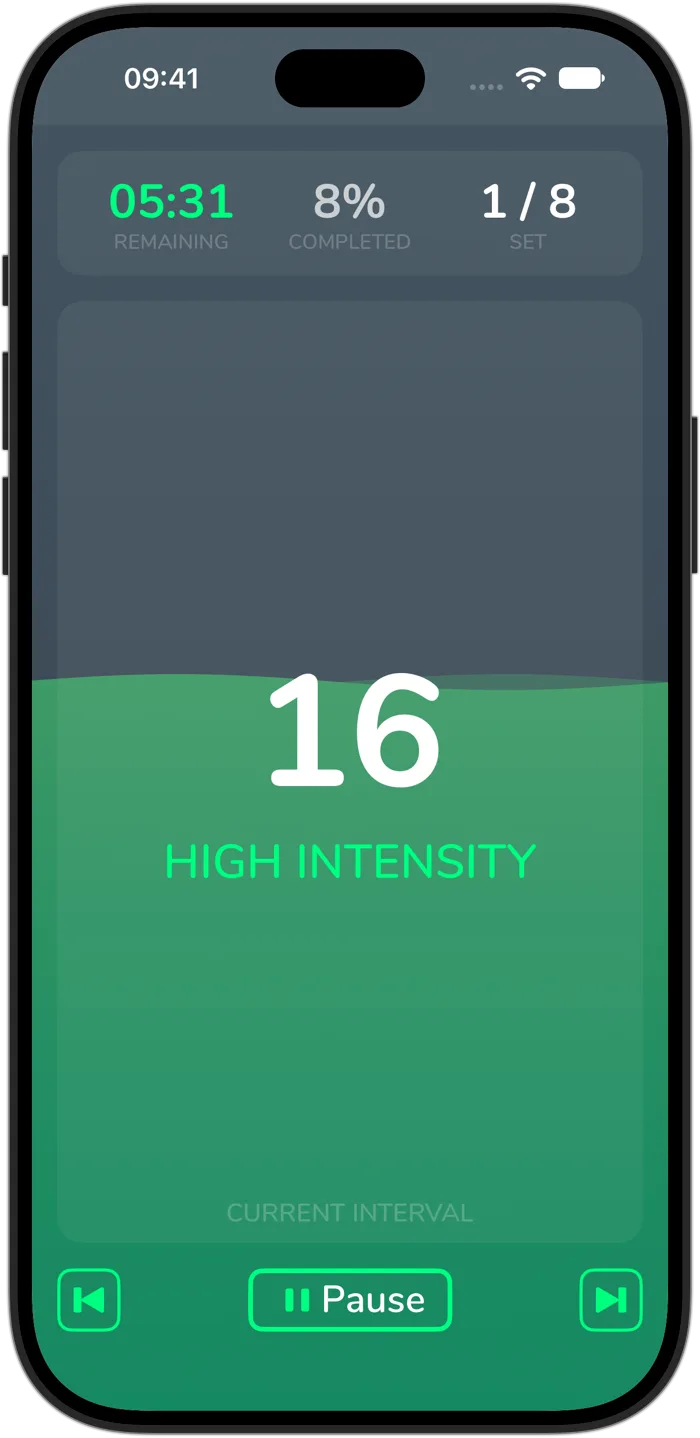
Cero is a timer, not a medical device. If you’re new to hard exercise, are pregnant or have a health condition, check with your doctor first, and stop if you feel unwell.