
COMPARE APPS
Cero vs Timer Plus
Two interval timers with Apple Watch apps: how they differ on features, price, privacy and languages
 CeroFlawless Studio
 Timer PlusArGames
A side-by-side by the makers of Cero, from both apps’ US App Store listings.
Choose Cero if you want
- Every feature free, with what’s free stated up front
- An advanced timer with up to 200 intervals, timed or open
- Adaptive HR, Gym Display, widgets and Siri
- The app in one of 31 languages
Side by side
| Cero | Timer Plus | |
|---|---|---|
| Free version | Every feature; 2 saved timers, with ads | Not stated |
| Apple Watch app | Yes | Yes |
| iPad app | Yes | Yes |
| Saves workouts to Apple Health | Yes | Not stated |
| Languages | 31 | 15 |
| Data used to track you (App Privacy) | Usage data | Identifiers, Usage data, Diagnostics |
| Account needed | No | Not stated |
What each app does
Timer Plus shows the number and length of rounds and cycles, has an interval stopwatch, keeps running in the background, flashes the screen, saves as many timers as you like to a workout history and gives voice guidance. Its Apple Watch app runs the custom workouts you save on iPhone. Cero has a simple and an advanced timer, a countdown and stopwatch, voice cues and music per interval, a workout history that exports CSV or PDF, and an Apple Watch app with heart rate.
Price
Timer Plus lists Premium Monthly and Timer Plus Pro at $2.99, and lifetime purchases, without saying what each one adds or what’s free. Cero Pro is $2.99 a month, with a free week for eligible new subscribers, or $14.99 once, and adds unlimited saved timers and no ads to a free version that already has every feature.
Privacy
Timer Plus’s label lists identifiers, usage data and diagnostics used to track you, and links the same data to you, for purposes that include third-party advertising. Cero’s label lists only usage data.
Devices and languages
Both run on iPhone, iPad, Mac and Apple Watch. Timer Plus needs iOS 13 and is in 15 languages; Cero needs iOS 16 and is in 31.
Questions
Is Timer Plus free?
Timer Plus is free to download, with in-app purchases from $2.99 a month or $9.99 once. Its listing doesn’t say which features are free.
Does Timer Plus work on Apple Watch?
Yes. Its Apple Watch app runs the custom workouts you save on iPhone. Cero’s Apple Watch app runs your saved workouts too, with heart rate, and has its own countdown and stopwatch.
Is Cero a good alternative to Timer Plus?
If you want more than work and rest, such as open intervals, rest by heart rate or a TV display for the gym, yes, and all of it is free. If you want the lowest one-time price, Timer Plus starts lower.
Seconds, Timer Plus, SmartWOD, Interval Timer and Tabata Stopwatch Pro are trademarks of their owners. Cero isn’t affiliated with, sponsored or endorsed by any of them; their names and icons appear only to identify the apps compared.
YOUR NEXT SESSION STARTS HERE
Bring the effort.
We’ll keep the time.
Cero is free to download for iPhone, iPad and Apple Watch.
Download Cero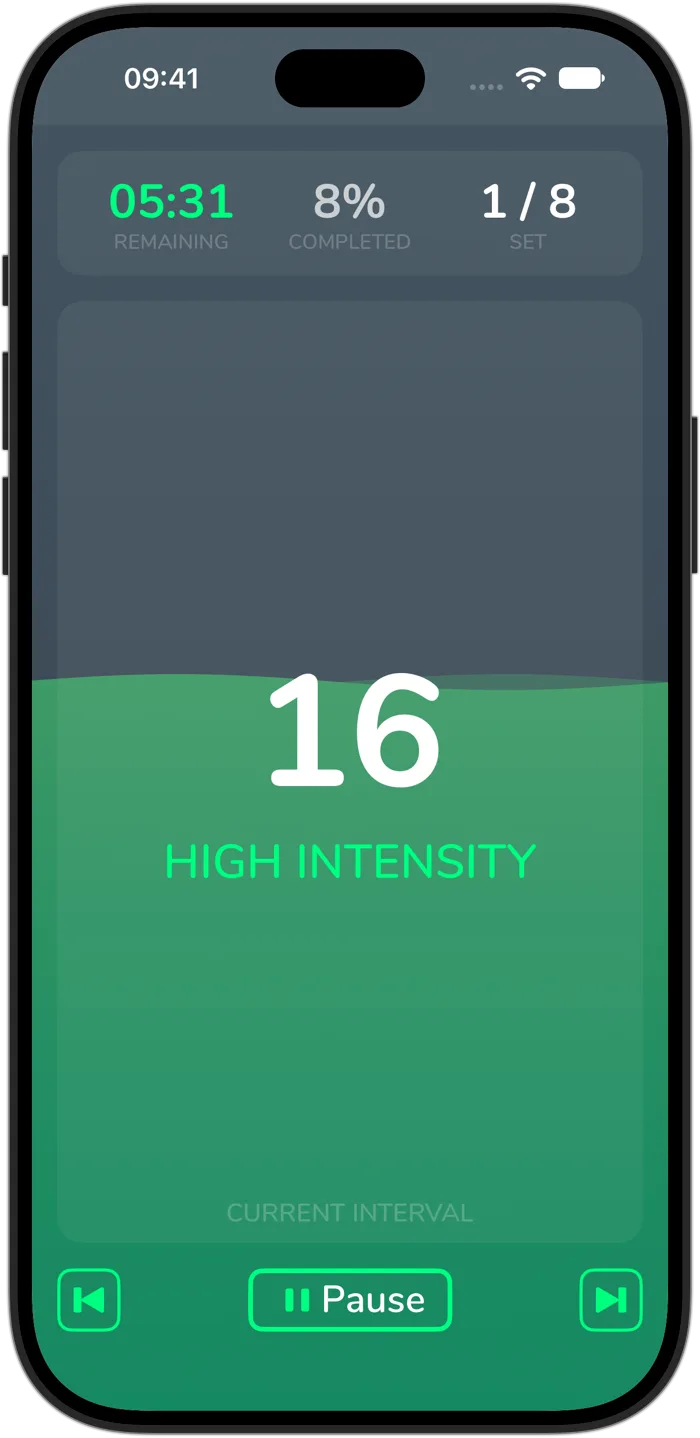
Cero is a timer, not a medical device. If you’re new to hard exercise, are pregnant or have a health condition, check with your doctor first, and stop if you feel unwell.